review
Cursor AI Review: The VS Code Fork That Changes How You Code
Detailed Cursor AI review: features, pricing, and honest assessment of the VS Code fork powering multi-file AI code editing in 2024.
Cursor AI has become one of the most talked-about tools in developer circles, and this cursor ai review cuts through the hype to give you a clear picture of what it actually delivers. Built by Anysphere Inc. on VS Code’s open-source codebase, Cursor launched in 2023 and has grown at a remarkable pace — crossing $2 billion in annualized revenue and surpassing one million daily active users by early 2026, according to DataCamp. If you’re weighing whether to switch from standard VS Code, here’s everything you need to know.
What Is Cursor AI?
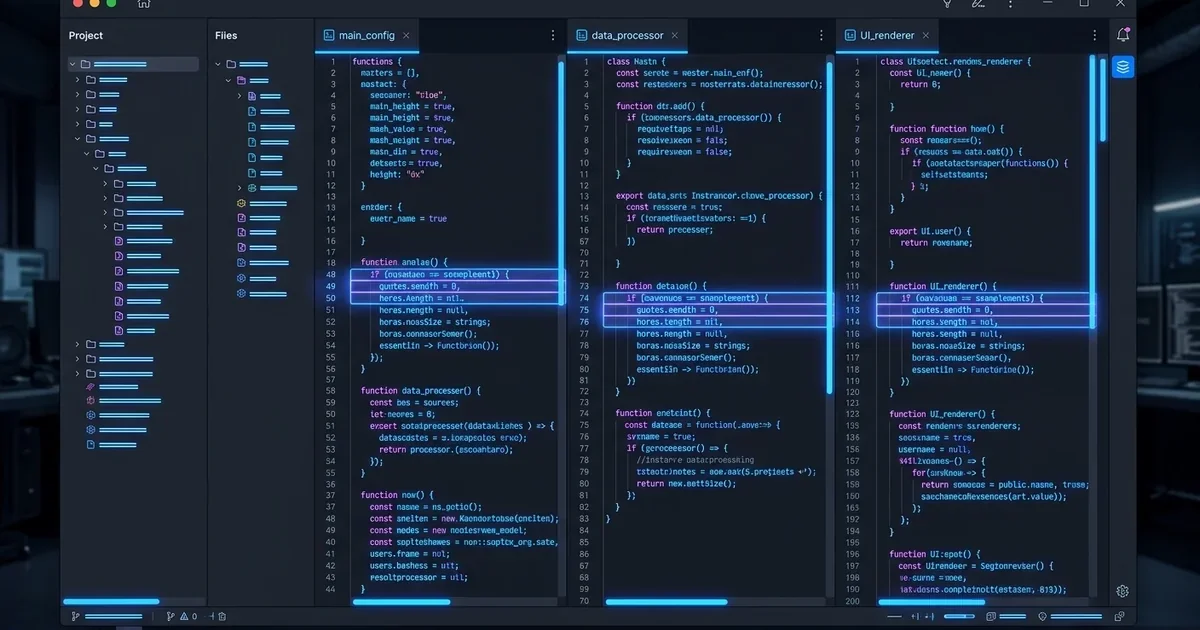
Cursor is a code editor forked from VS Code’s open-source core. That means it looks and feels exactly like VS Code — same layout, same keybindings, same terminal — but with a deeply integrated AI layer built in from the ground up rather than bolted on as an extension.
The distinction matters. GitHub Copilot adds AI capabilities to VS Code through an extension. Cursor rebuilds the editor around AI-first workflows, giving it architectural advantages in context handling, multi-file editing, and agent autonomy. For a broader look at how tools like this fit into the development landscape, see our guide on what is a coding agent.
Model Support
One of Cursor’s clearest strengths is its model breadth. According to AltexSoft, Cursor supports over 26 LLMs from providers including:
- OpenAI — GPT-4o, GPT-5
- Anthropic — Claude (Sonnet, Opus, Haiku)
- Google — Gemini
- xAI — Grok
- DeepSeek
- Cursor’s own proprietary Composer model
Cursor is typically among the first editors to integrate new releases. AltexSoft notes it supported Claude Sonnet 4 less than 30 minutes after Anthropic released it — a meaningful advantage if you want access to the best available model without waiting weeks for an extension update.
Feature Breakdown
Tab Autocomplete
Cursor’s Tab completion goes beyond single-line suggestions. It predicts multi-line completions and entire function bodies based on surrounding context, and it learns from your codebase’s patterns over time. The completions feel contextually aware rather than generic.
Composer: Multi-File Agent
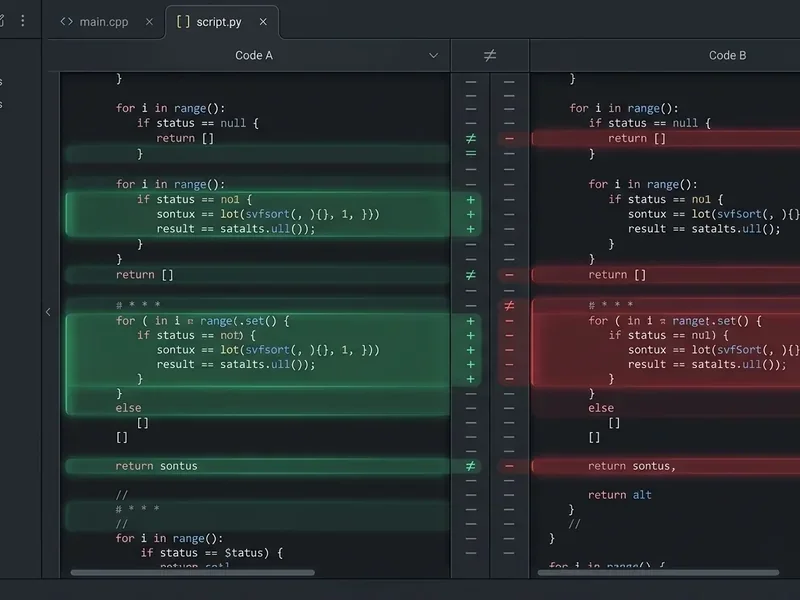
Composer (now at version 2.5) is the feature that most clearly separates Cursor from its competitors. According to DataCamp, Composer generates coordinated diffs across an entire repository from a single natural language prompt — updating routes, controllers, tests, and documentation in one unified edit. VS Code’s Copilot Edits processes files sequentially; Composer handles them simultaneously as a coherent whole.
Ask it to “add JWT authentication to the API” and it will identify every affected file, propose changes across all of them, and present a reviewable diff. You approve, reject, or modify before anything is committed.
Chat Modes
Cursor offers four distinct interaction modes, as documented by AltexSoft:
| Mode | What It Does |
|---|---|
| Agent | Fully autonomous — explores codebase, runs terminal commands, edits multiple files |
| Manual | Targeted edits with explicit user approval at each step |
| Ask | Read-only mode for understanding code without making changes |
| Custom | User-defined tool combinations for specific workflows (debugging, docs, etc.) |
The Ask mode is underrated. Being able to query your codebase without risking any changes is genuinely useful during onboarding or debugging sessions.
Codebase Indexing and @-Mentions
Cursor indexes your entire repository using embedding-based fingerprints (Merkle trees) stored server-side. The result is a context window of up to 272,000 tokens, according to DataCamp — compared to 64,000–128,000 tokens with VS Code and Copilot. That’s a 2–4x advantage in how much code the AI can reason about simultaneously.
The @ symbol gives you explicit control over context. You can reference specific files (@filename), folders, documentation pages, web URLs, or even previous chat sessions. This precision prevents the AI from hallucinating connections between unrelated parts of the codebase.
Inline Edits
Press Cmd+K (or Ctrl+K) to trigger an inline edit prompt directly in the editor. Describe what you want changed, and Cursor highlights the proposed diff inline. You accept or reject without leaving the file. It’s fast, focused, and avoids the context-switching of opening a separate chat panel.
Background Agents
On paid plans, Background Agents run on dedicated VMs without requiring your supervision. According to AltexSoft, a Background Agent will create a new GitHub branch, complete the assigned coding task, run commands, search the web if needed, generate a pull request, and deliver a summary — all autonomously. Multiple agents can run in parallel, which changes how you think about delegating repetitive tasks.
Terminal AI
Cursor integrates AI directly into the terminal. Describe what you want to do in plain English and it generates the shell command. It also explains errors inline when a command fails, reducing the friction of debugging unfamiliar CLI tools.
Pricing
According to the Cursor Official Pricing Page, the current tiers are:
| Plan | Price | Key Features |
|---|---|---|
| Hobby | Free | Limited requests, limited Tab completions, no credit card required |
| Individual Pro | $20/month | Extended Agent limits, frontier model access, MCPs, cloud agents |
| Teams | $40/user/month | Centralized billing, SAML/OIDC SSO, Bugbot, usage analytics, team-wide privacy mode |
| Enterprise | Custom | Pooled usage, SCIM, audit logs, AI code tracking API |
The free Hobby tier is genuinely usable for solo projects or evaluation. Pro at $20/month is competitive for individual developers — see our coding agent pricing breakdown for a full market comparison. One recurring complaint from the community, noted by AltexSoft, is that pricing structures have changed frequently, which creates confusion about what’s included at each tier.
Migration from VS Code
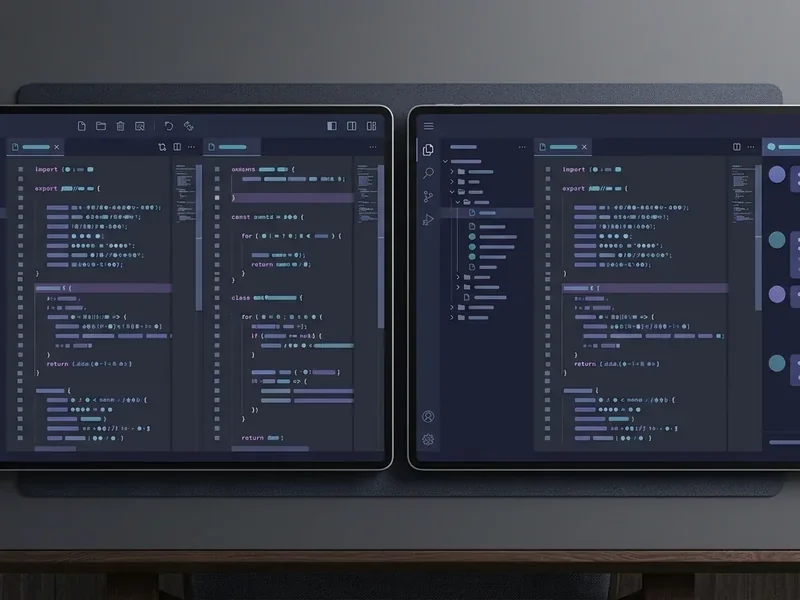
Switching from VS Code is about as frictionless as it gets. According to AltexSoft, Cursor offers one-click import of your existing VS Code settings, themes, and extensions during setup. The interface is identical — tabs, file explorer, integrated terminal, command palette — so there’s no relearning curve for the editor itself.
The one meaningful caveat: Cursor cannot legally access Microsoft’s Visual Studio Marketplace. It uses the Open VSX Registry and its own marketplace instead. DataCamp notes that roughly 90% of popular VS Code extensions work in Cursor, but Microsoft-proprietary extensions — including Pylance, C# Dev Kit, Remote SSH, and Live Share — are unavailable. For Python and C# developers especially, this is worth checking before committing to a switch.
Privacy and Data Handling
Privacy Mode prevents your code from being used for training by Cursor or its model providers, and all data is deleted immediately after each request, according to AltexSoft. For teams handling sensitive codebases, this is a meaningful control.
The trade-off: enabling Privacy Mode disables Background Agents, which require code to be sent to remote VM environments. You choose between maximum autonomy and maximum data control — you can’t have both simultaneously. Teams on the $40/user/month plan get team-wide privacy mode as a managed setting, which simplifies compliance decisions.
Performance: What Works and What Doesn’t
Multi-File Editing Accuracy
Composer’s simultaneous diff generation is genuinely impressive for well-scoped tasks. Asking it to refactor an API endpoint, add error handling across related files, or update tests alongside implementation changes produces coherent results. The key word is “well-scoped” — the more precisely you describe the task, the better the output.
Context Retention
The 272,000-token context window is a real advantage in large codebases. The @-mention system lets you be deliberate about what the AI sees, which reduces irrelevant suggestions and hallucinated references to non-existent functions.
Speed and Stability
AltexSoft documents several performance concerns worth knowing: indexing large codebases can cause slowdowns, long multi-file Agent sessions sometimes go “off the rails” and require manual correction, and rapid update cycles occasionally introduce bugs. These are real friction points, not edge cases.
Pros and Cons
Pros
- One-click VS Code migration with near-identical interface
- 26+ model options with rapid new model integration
- Composer 2.5 handles simultaneous multi-file diffs
- 272,000-token context window outpaces Copilot significantly
- Background Agents can autonomously create PRs without supervision
- Four distinct chat modes for different workflow needs
- Privacy Mode with immediate data deletion
Cons
- Inconsistent output quality with some models (notably Gemini 2.5 Pro)
- Frequent pricing changes create confusion
- Indexing slowdowns on very large codebases
- Agent mode can lose coherence in long sessions
- Microsoft-proprietary VS Code extensions unavailable
- Less capable than JetBrains IDEs for backend-heavy workflows
Enterprise Adoption
Cursor’s enterprise traction is notable. According to the Cursor Official Website, NVIDIA CEO Jensen Huang stated: “Every one of our engineers, some 40,000, are now assisted by AI and our productivity has gone up incredibly.” Stripe CEO Patrick Collison noted that Cursor “quickly grew from hundreds to thousands of extremely enthusiastic Stripe employees.” These aren’t marketing testimonials from small teams — they reflect adoption at scale in engineering-intensive organizations.
Verdict
Cursor earns its reputation as the most capable AI-native code editor available. The combination of Composer’s multi-file intelligence, a 272,000-token context window, and 26+ model options creates a genuinely different coding experience — not just VS Code with autocomplete.
The limitations are real but manageable. Extension gaps affect some developers more than others. Agent sessions need supervision on complex, open-ended tasks. Pricing history suggests the tiers will keep evolving.
For developers already on VS Code, the migration cost is essentially zero. The question is whether the AI capabilities justify $20/month over free Copilot — and for most developers doing non-trivial work, the answer is yes.
Scorecard
| Dimension | Rating |
|---|---|
| Multi-file editing | ★★★★★ |
| Context handling | ★★★★★ |
| Model selection | ★★★★★ |
| VS Code migration | ★★★★☆ |
| Extension ecosystem | ★★★☆☆ |
| Pricing clarity | ★★★☆☆ |
| Privacy controls | ★★★★☆ |
| Overall | ★★★★☆ |
For a direct feature comparison with GitHub’s offering, see our GitHub Copilot vs Cursor breakdown. If you’re evaluating Cursor alongside other autonomous coding tools, our best coding agents guide covers the full competitive landscape.